How future letters work: drafts, sealing, opening and reminders
A practical guide to remilumi future letters: save a private draft, choose an opening date, understand what sealing locks, open it yourself when due, and keep calendar reminders or text copies.
This guide is available in Simplified Chinese and English.
Step 1: write a draft with one specific beginning
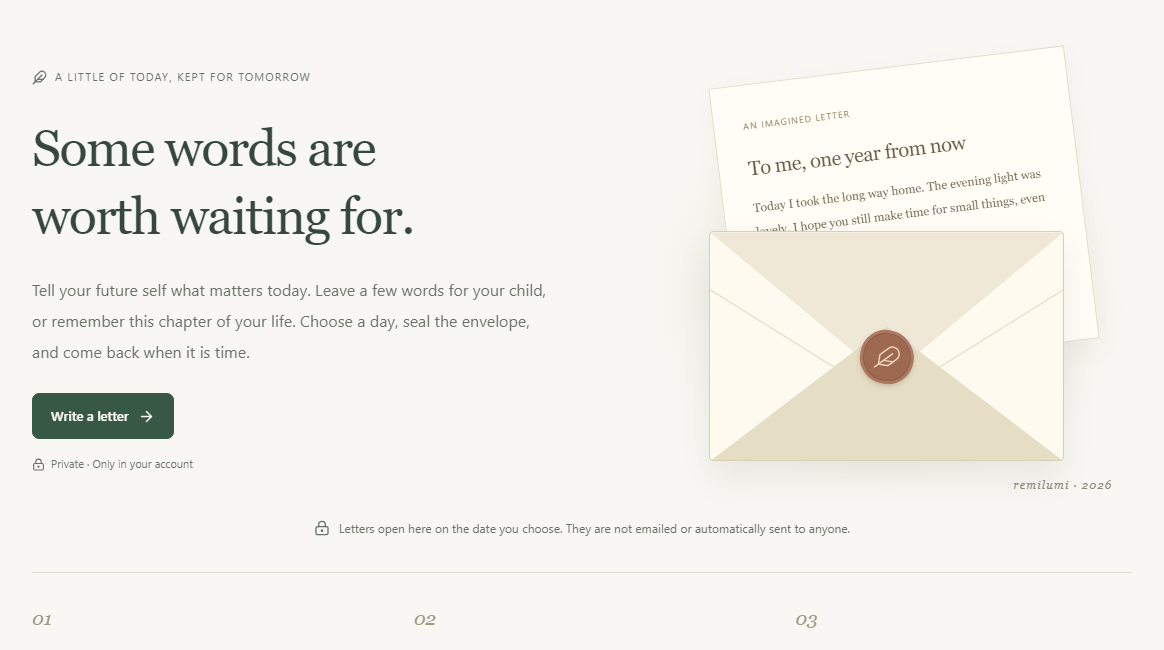
Sign in, open Letters to the future and start a new letter. You might describe an ordinary day, an unanswered question, or one small thing you hope to remember. Give it a title you will recognise later. A recipient label can say “my future self” or another name that means something to you.
Save a draft before coming back to add more. Unsaved words in the editor are not an account save, so check that saving succeeded before leaving. The future-letter editor does not automatically keep unsaved plaintext in browser draft storage. An open browser tab is not a separate backup.
- A useful first question: what would I like my future self to know about this moment?
- Make the scene specific: where you are, who is with you, and what you are learning or thinking about.
- Each body supports up to 20,000 characters. A few sentences are enough to begin.
Step 2: check the date and preview before sealing
Choose an opening date and time in the editor, check the displayed timezone, then preview the letter. Sealing requires a nonempty title and body. The opening time must be more than one minute ahead of the current server time and no more than fifty years ahead. That date range is a feature limit, not a promise that the service will operate for that length of time.
Seal only when you are ready to leave the letter as it is. Once sealed, its title, body and opening time cannot be changed. There is no unseal or early-opening action. Keep it as a draft if you would still like to write more or reconsider the date.
- Draft: you can read and edit it. Check the save result before leaving.
- Sealed: envelope details remain visible, while the body is unavailable.
- Ready to open: its time has arrived, but the writing account must still choose to open it.
- Opened: the author can read it again and download a text copy.
Step 3: return with the same account when it is due
The website uses server time to decide whether a letter is due. Once it is ready, sign in with the account that wrote it and choose to open it. The body is returned only after that action. Changing the time on a phone or computer does not unlock a letter early.
Writing a child’s, relative’s or friend’s name in the recipient field does not grant that person access or send the letter to their inbox. Future letters and family memorial invitations are separate features. Inviting someone into a memorial does not share your letters with them. This release also does not provide automatic transfer or collection on another person’s behalf.
Keep a reminder and understand which copies you can download
You can download a calendar reminder and import it into your own calendar app. It contains the letter title, opening time and a website link that requires sign-in, never the body. Your calendar service may synchronise that metadata. Whether and when a notification appears also depends on your calendar app and device settings.
Drafts and opened letters can be downloaded as plain text. A sealed letter, including one that is due but not yet opened, does not expose its body through a download. If you want a copy outside the website before sealing, download it while it is a draft and keep that file private. A downloaded copy does not update when the account record changes.
- A calendar reminder is a file you import yourself; it does not enable automatic email delivery.
- A shared or public calendar may reveal the title and opening time. Check its sharing settings before importing.
- Keep a separate private copy of important words. The website does not promise permanent storage or future delivery.
Understand encryption and what restoring from Trash means
Application access to a future letter is limited to its writing account, and the body is encrypted on the server. This is server-side encryption, not end-to-end encryption: the website server holds the decryption key, and the application checks the date restriction. Treat it as a place for personal writing, rather than as a vault that nobody else could decrypt.
You can move a letter to Trash and restore it later. Restoring preserves its original opening date and sealed state; it does not turn a sealed letter back into an editable draft. This release has no permanent-delete button. To request deletion of an account or saved information, use Contact & feedback without including passwords or the letter body.
Common questions
Will my future letter automatically arrive by email?
No. Its author signs in and opens it on this website when it is due. The current feature does not email a letter or transfer it to the person named in the recipient label. You can import a calendar reminder yourself; notifications depend on your calendar app.
Can I correct the opening date after sealing?
No. Sealing locks the title, body and opening time, and there is no unseal action. Moving it to Trash and restoring it preserves those restrictions. Use the draft and preview to check the details before sealing.
Why is the body still hidden after the opening time?
Being due means the letter is ready to open. Sign in with the account that wrote it, check its opening time and timezone, then choose to open it. Server time controls availability. A letter in Trash needs to be restored first.
Can I share a sealed letter with family or download its body early?
This feature currently has no family-sharing or ownership-transfer action. Sealed bodies cannot be read or downloaded early, and family memorial invitations do not grant letter access. Download a draft before sealing if you want an independent text copy.
Begin with three sentences from today
Write where you are, one thing on your mind, and a question for your future self. Save a draft first, then decide whether you are ready to seal it.
Sources and review scope
This guide describes current remilumi features and public product information. Check the linked pages for the relevant rules.
- Letters to the future: current feature introduction — The product entry for drafts, sealing, opening and reminders.
- Privacy: letters to the future — Body access, server-side encryption, calendar metadata and Trash.
- Getting started with remilumi — Feature boundaries and common questions about letters and family memorials.
Found a difference between this guide and the current feature? Send feedback or request a correction